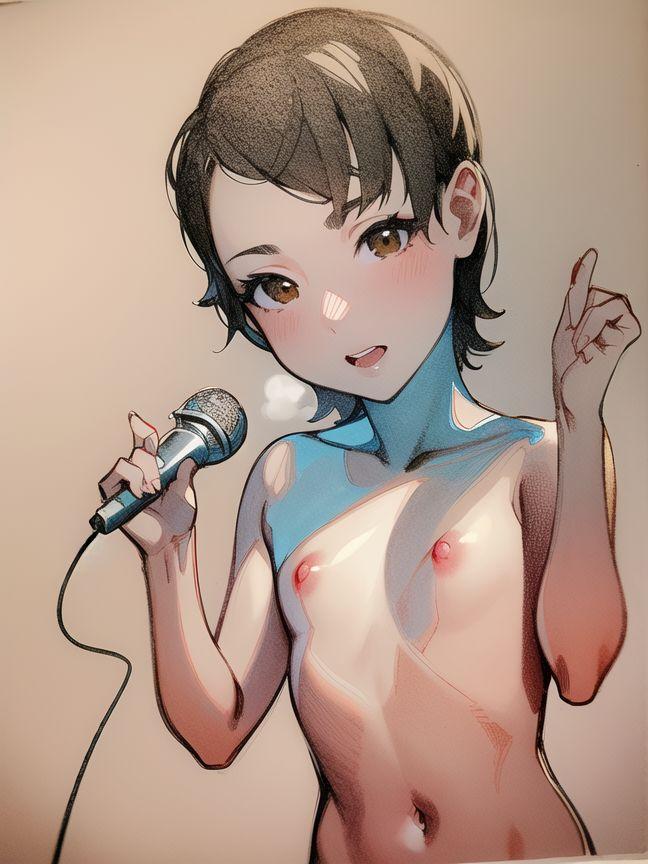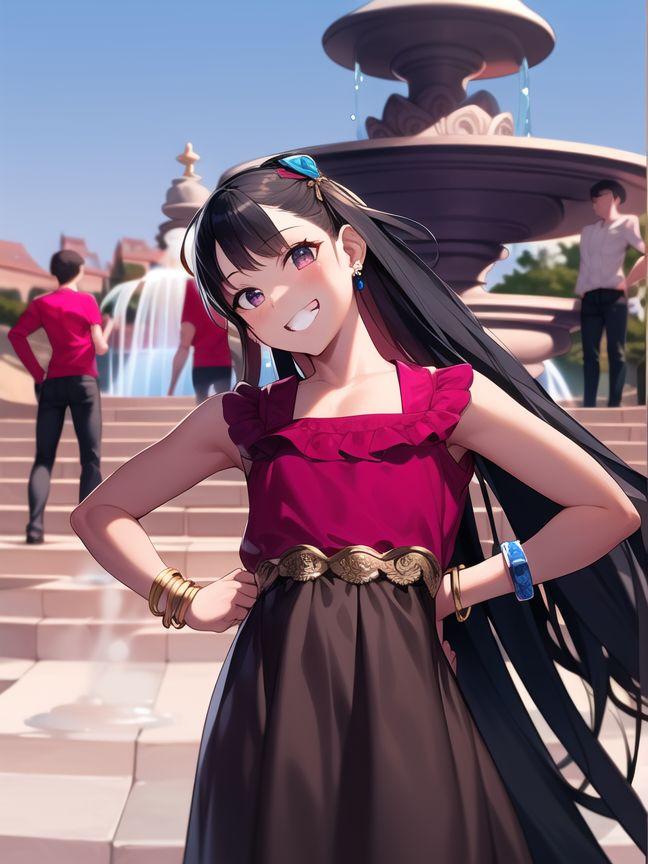
Tag Archives: ai

The Big Questions

I have now embarked on my seventieth year of life. I have had a thirty-one-year career as a public school teacher. I have been married for thirty years. I have three grown children. I wrote and published 25 books. You would think that as my life nears completion, I would have answers to some of the big questions. I do not. I do, however, know enough to ask them.

  1. Is mankind and his (or her) civilization going to survive?
  2. Will AI computer programs destroy us rather than help us?
  3. Will aliens a board 3I Atlas destroy us rather than help us?
  4. Will the massive caldera under Yellowstone Park explode as a super volcano and wipe out life in North America?
  5. Why are so many of the big questions about destruction and dying?
  6. Why is the Pumpkinhead President not dead or in prison yet?
  7. Why is art important, and why is my art a defining part of me?
  8. What comes next if the world does end?
  9. Why does any of this matter?

So, let me take a stab at some answers…

  1. Probably not. Humanity’s civilizations have broken apart or been destroyed before.
  2. AI programs are still fairly stupid, though smarter than certain American voter groups. If they kill us, it will be a side effect, not a goal.
  3. The alien things are almost too massive to be mere hoaxes. Science fiction movies suggest it will not end well.
  4. Skip this one for fear of not enough relevant details.
  5. Because old people think a lot about dying. No passes possible on this one.
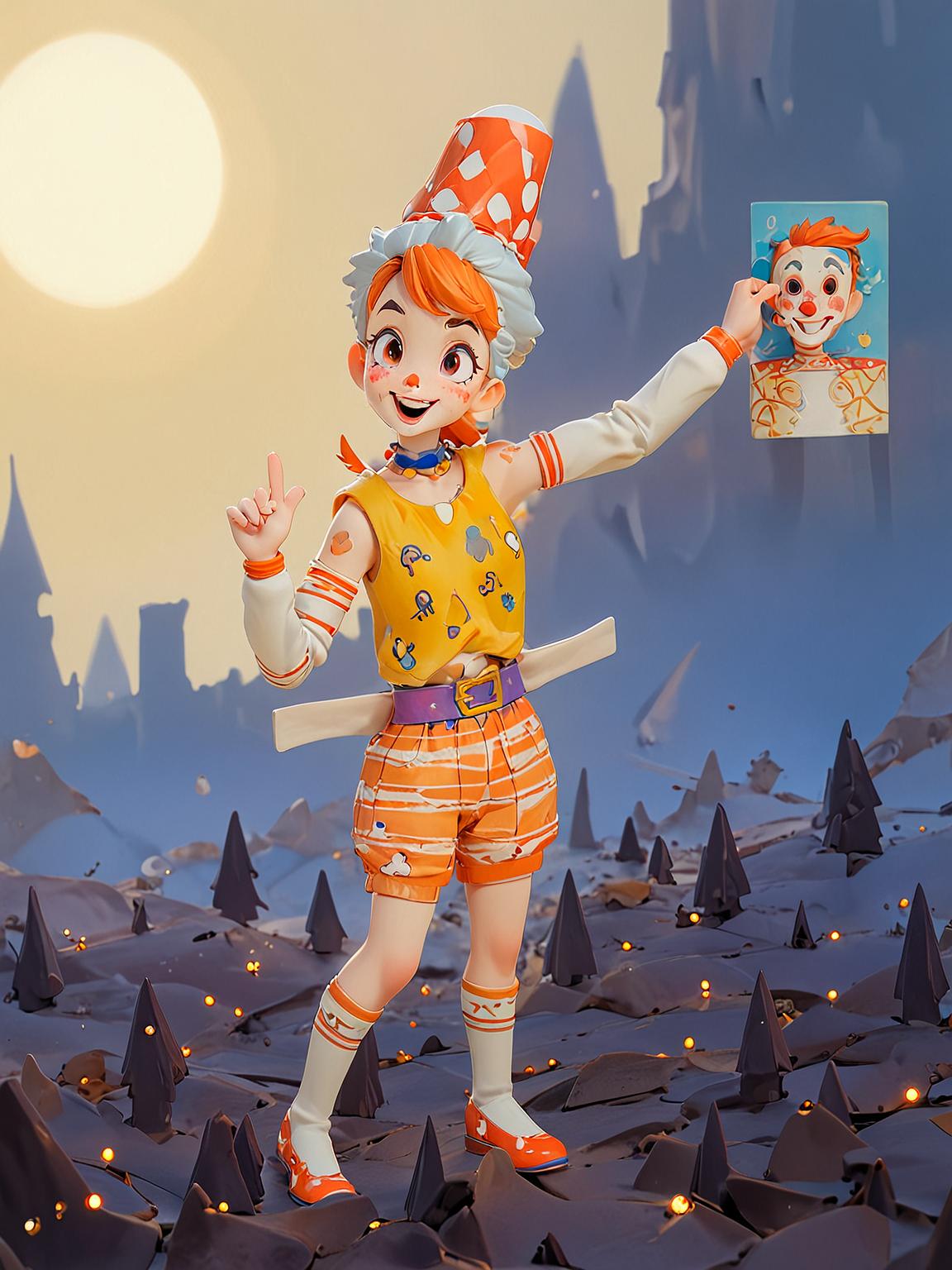
  6. You’ve seen the smug smirk on his orange clown face. He’s too big of a criminal to get caught in the act.
  7. Art comes from the soul, and it makes it possible to shape your entire life and its meanings.
  8. A Vogon Insterstellar Bypass will be built.
  9. It probably doesn’t matter, and my answers are all wrong anyway.

There we go! Solved it!
Leave a comment

Filed under Uncategorized

Meaningless Corrections and Correct Implications

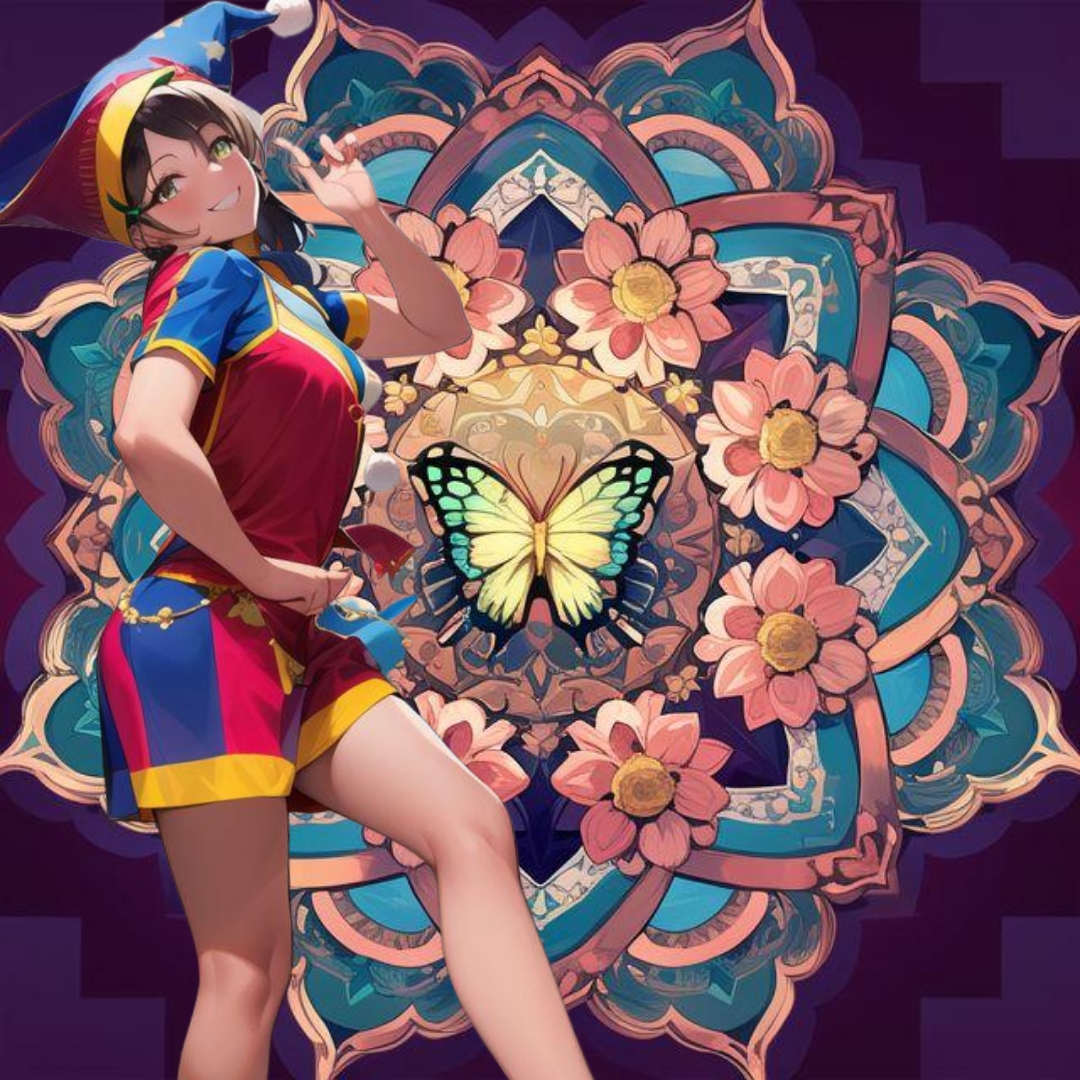
A lot of critical art viewers will randomly tell me that using AI Art programs is plagiarism because these programs have been trained on people’s posted artwork without permission or acknowledgment. I agree that that is not fair. I also think that is not how I use AI programs. The above picture used Picsart AI Photo Editor and AI Mirror in its creation. The Harlequin Girl is drawn from a model I saw on Instagram, a human dancer in a costume that is similar to my drawing. I used AI Mirror to make my imperfect drawing look better than I can do with arthritic fingers. I used the uncorrected version here with the problem hands so you could see the kind of things you have to go back and draw over with digital art tools. I used Picsart to turn her into what is called a “sticker” that I could place upon a background. I used a colored mandala that I got from Tapcolor Digital Coloring Book as a background. Before I put the sticker on top, I added the butterfly and altered the round design elements into flowers.

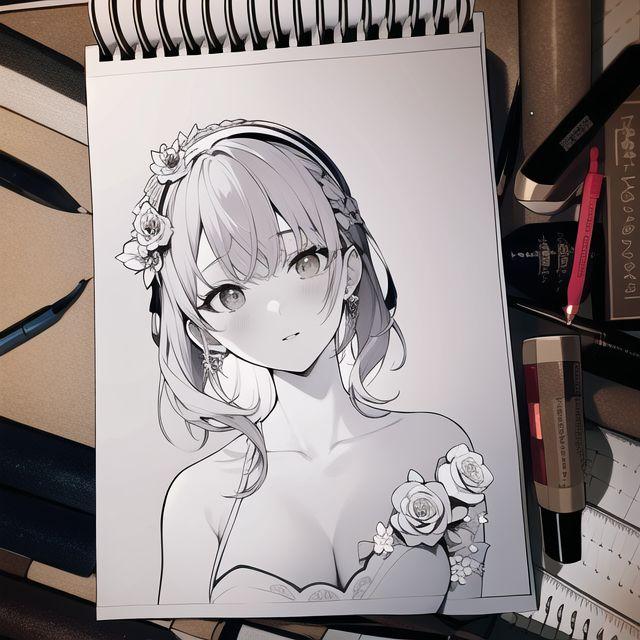
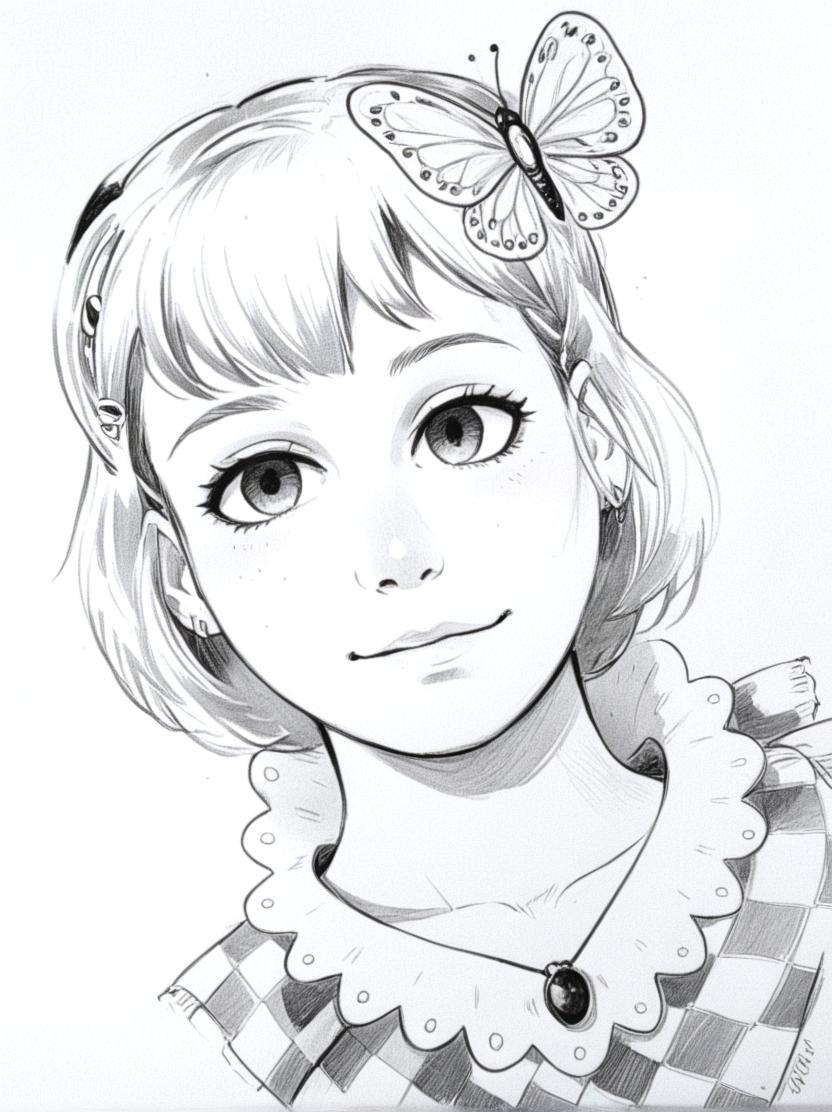
This is how I use AI Mirror to improve my artwork. The picture above is nothing but a pencil drawing inked and guidelines erased. If you look at it carefully you can see how I skewed the eyes when I inked the pencil drawing. One on the left is the roundness I wanted. The right one has a lower eyelid that cuts too narrowly to make the eyes look mismatched. So, I ran the photo of the finished pen and ink drawing through AI Mirror allowing it to make changes up to 50 %. Below you can see the best result. It took eight tries to get the eye match I wanted.

You can see that the program made changes to more than just the eyes. It took much of the 50% to adjust the background, adding art tools that I had in previous photos of the drawing board used in similar pictures I used AI Mirror on. It also changed the hairstyle, and since it didn’t like the ladybug theme of the dress, changed it for white roses which I have used in similar pictures repeatedly. I did go back and add whiteness to the roses to make it look a little cooler.

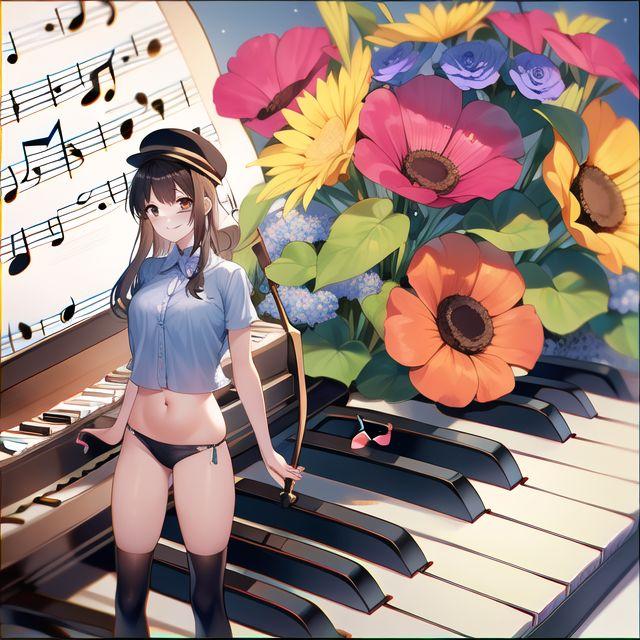
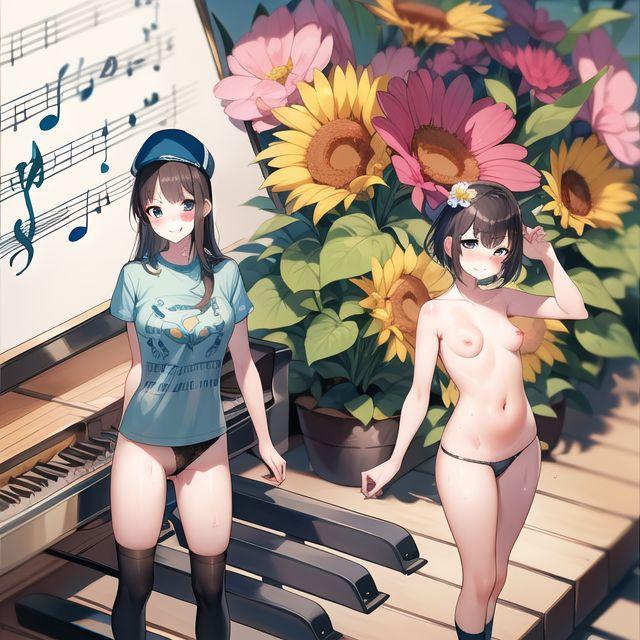
This one above is intended to be a surrealist interpretation of a piece of music. Of course, the AI Mirror program and the Picsart program are both overly sensitive to copyright and trademark. That’s why it intentionally screws up the sheet music and the words on the t-shirt of the drawing I did for the girl sticker. It doesn’t reproduce things that could potentially be trademarked. And the flower stems the girl held in my drawing got turned into a short black stick and a sword? There were multiple things I needed to correct as I continued to change it to make it fit my vision for the piece.

This isn’t a final version either, but it is closer. It still needs to have the sheet music tamed to look more like ordinary sheet music. The main character’s bikini bottom shows up in a way that proves that making it two-color black and brown needed to be more contrasting to the shadow color on her legs. And the nudity of her companion was my idea, but I will have to make the further correction of not sending this post to Facebook. Facebook is ready to sanction me for showing bare breasts in their news feeds.

I am now done complaining about the nagging little things that annoy me about the AI art process. But I do the drawings that I present as my work. I am not plagiarizing anything. And I thoroughly enjoy this whole process.

Leave a comment

Filed under art criticism, art editing, artwork, Uncategorized

Picsart

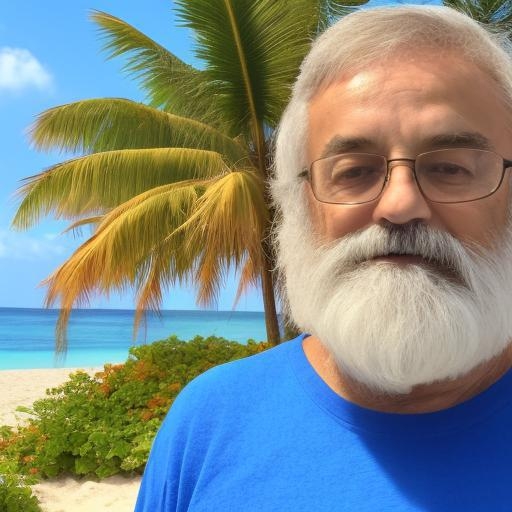
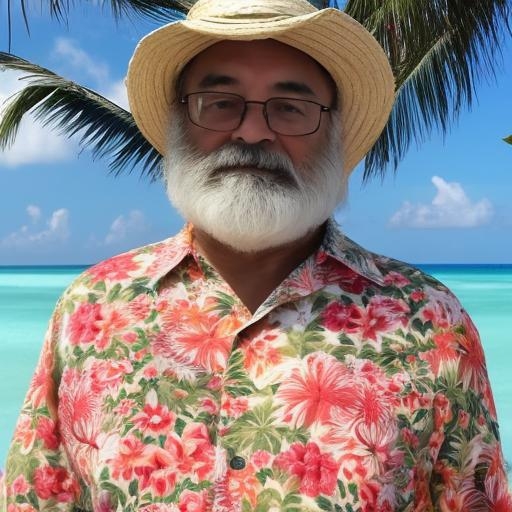
This self-portrait of me is made from several of my old selfies fed through the Picsart AI Photo Editor app.

It is my way of getting to Florida in spite of my health problem and ill fortune. Picsart synthesized a picture of me in front of an AI-Generated background. Picsart is not really intelligent. The app creates an image based on what you put into it. It can generate images in the same way that other infamous AI art apps do it, scraping images from the internet, mixing it all up,, and rawlfing out a picture based on a sentence or phrase. But it also works as a very good Photoshop program, allowing you to remove backgrounds, isolate images, paste them in new surroundings, and adjust colors… far better than the cheap-o little Photoshop clone I was using before.

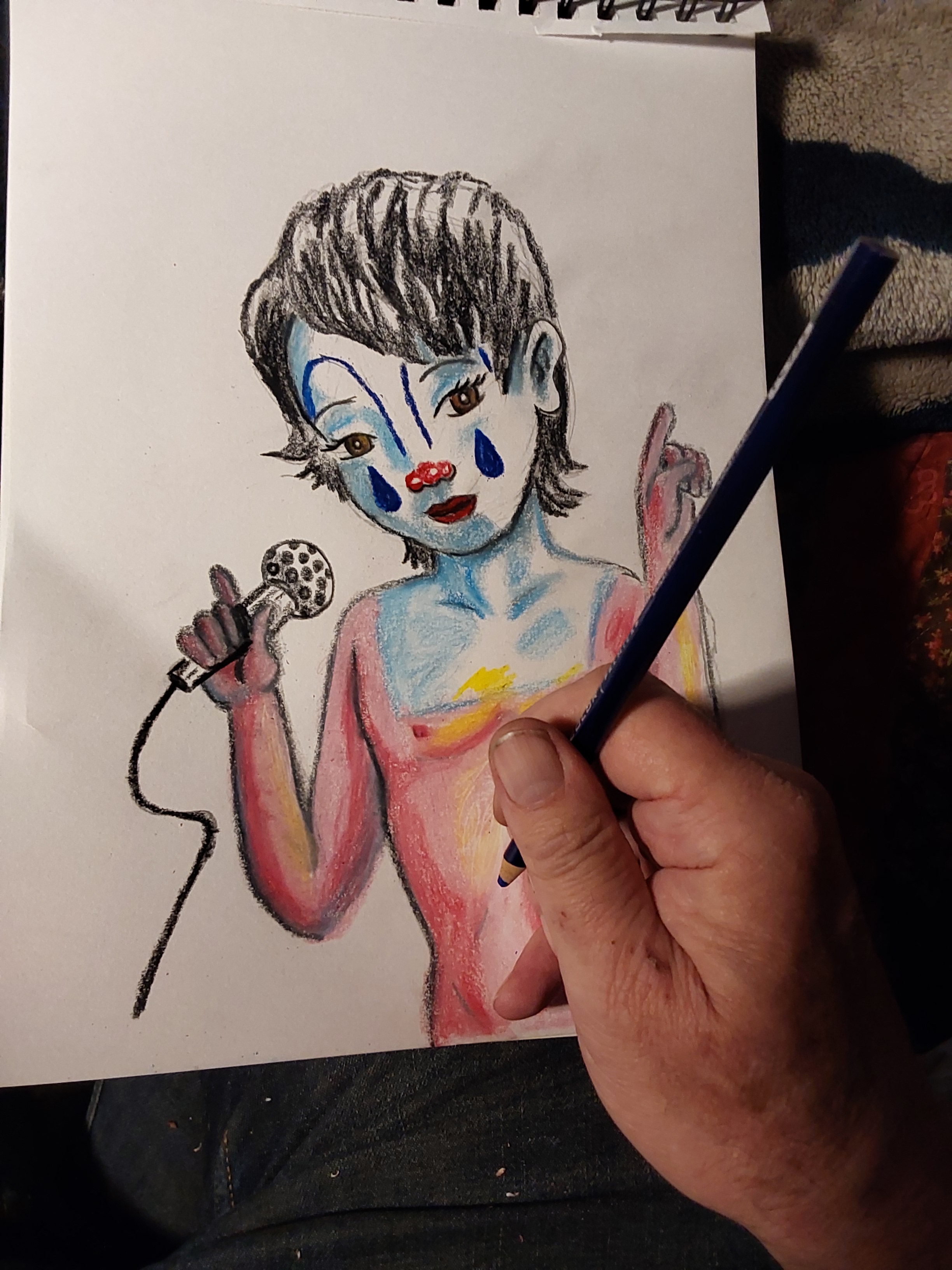
I can take a colored pencil drawing (which is increasingly hard for me to do) and put it on computer to use digital tools.

I can draw and color more easily on a touch screen with a stylus, once I learn all the computer controls.

I can finish the drawing by hand and put in a background that matches the style of my drawing using Picsart Smart Backgrounds. But you can see the creeping crudity of my hand-drawn work. So, I can also go back and put it together again with even more AI help.

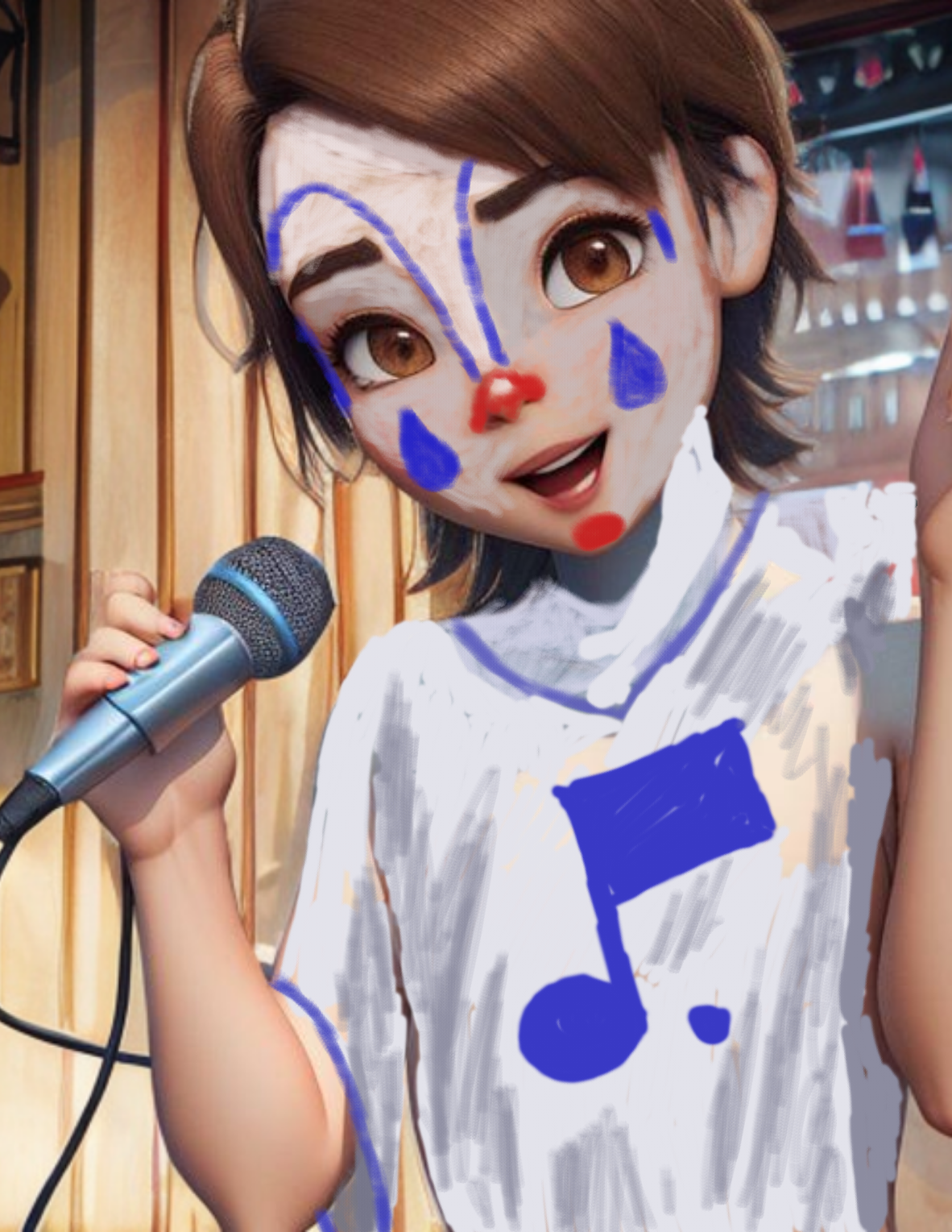
I can use AI Mirror to put the original drawing through a realistic anime style format that redraws my drawing, including all the flubs that AI is heir to. Crooked fingers, changing the gender of the subject, shrinking the nose, crossing the eyes, and a total misunderstanding of clown paint.

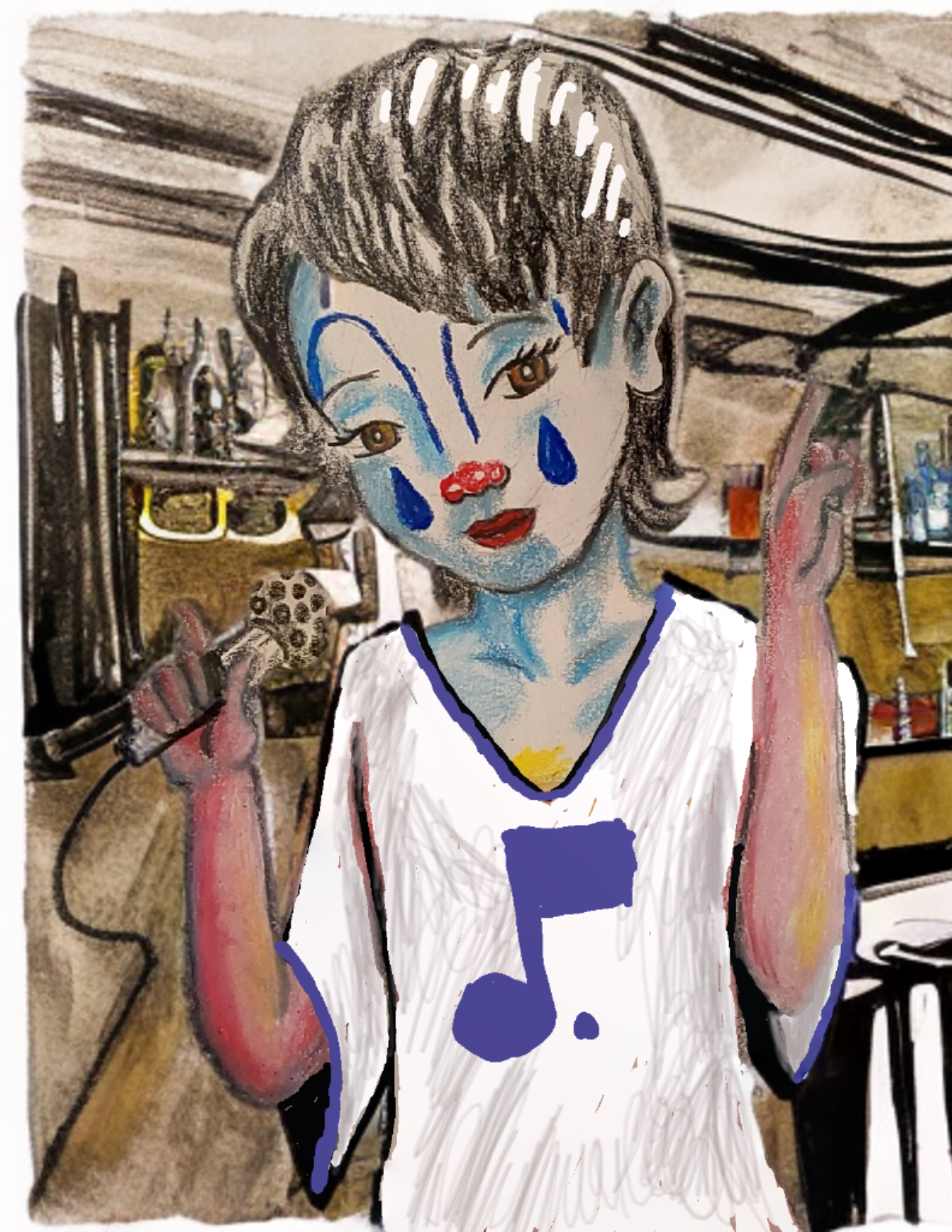
Using Picsart again to put in the Martin Bar and Grill background.

And then I make final corrections with the digital pen and paintbrush to turn Francois back into a boy wearing clown paint while he sings sad songs.

And so, as I get more and more familiar with the things I can do with Picsart, I let it turn me into a Jimmy Buffett clone again, sending me back to Florida where my heart is this weekend.

2 Comments

Filed under Uncategorized

Picsart and AI Mirror

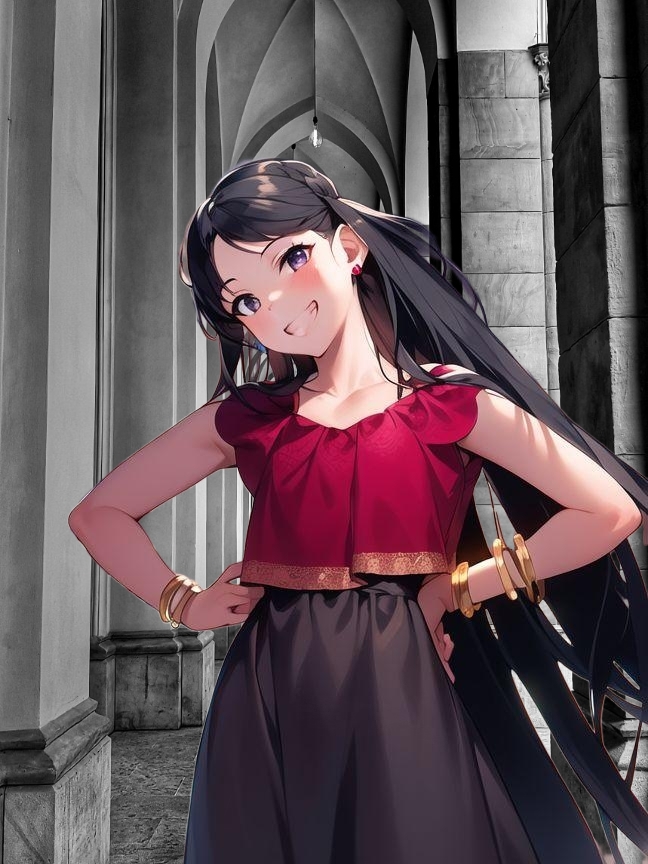
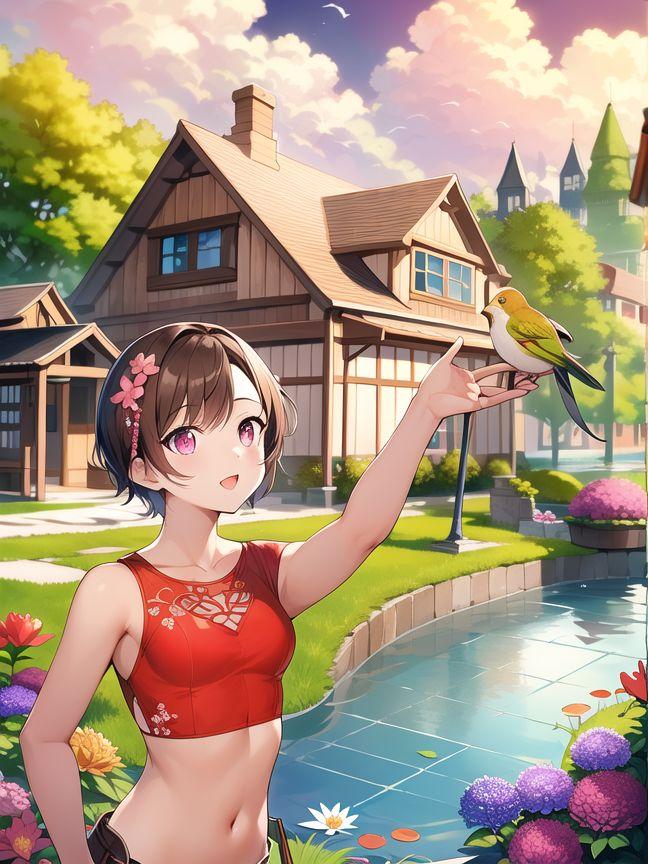
I have paid for a subscription to the Picsart AI App. What you pay for you need to use. So, I am experimenting with it now. I created the above picture with the old method of the digital Drawing Pad app on my computer tablet touchscreen using my electronic stylus on battery power. I then improved the picture by running it through the AI Mirror app to turn what was basically a tracing over a photograph to turn it into an anime-style cartoon.

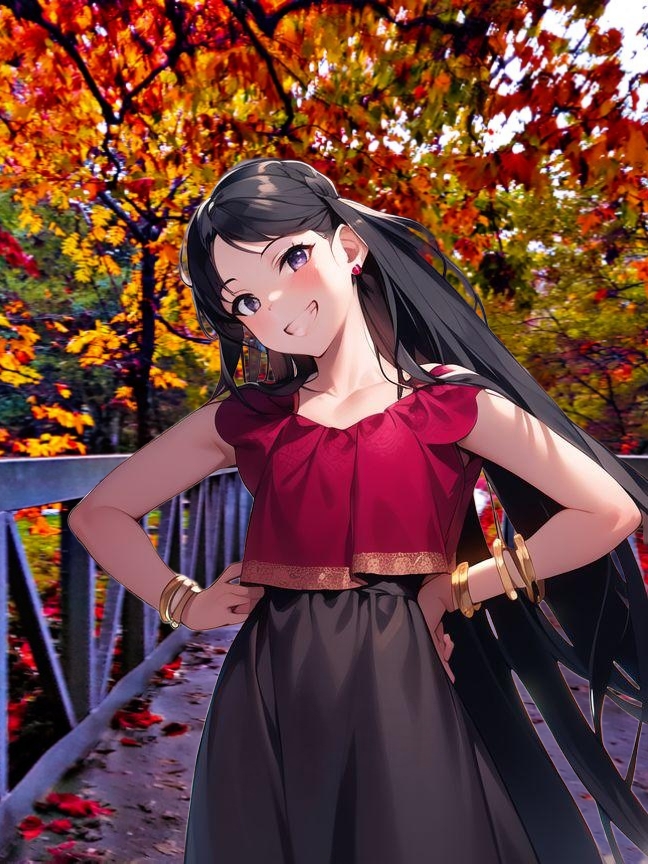
I used Picsart in Photoshop style to remove the background and place the figure on a new background.

I then used the same figure on a third background. Voila! one small skill mastered.

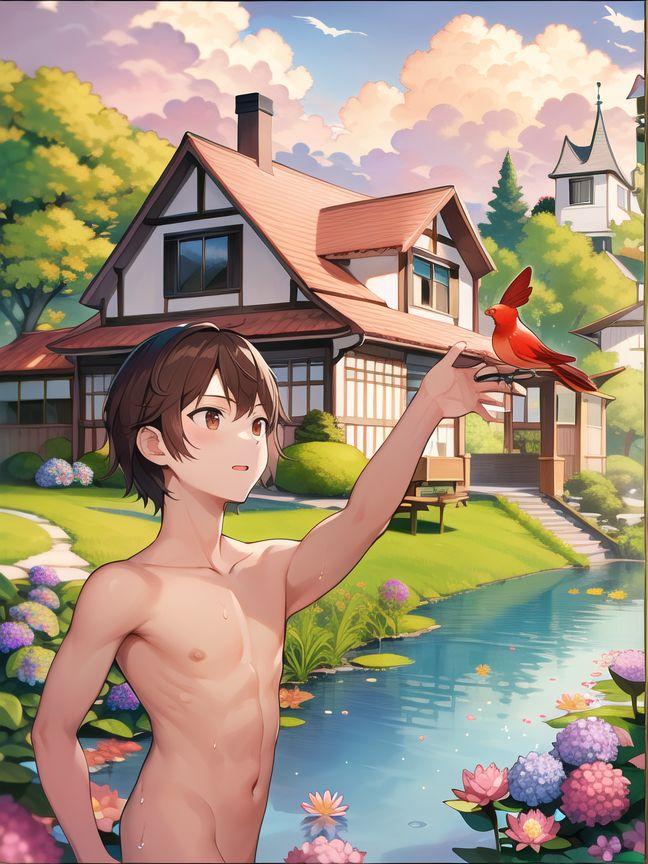
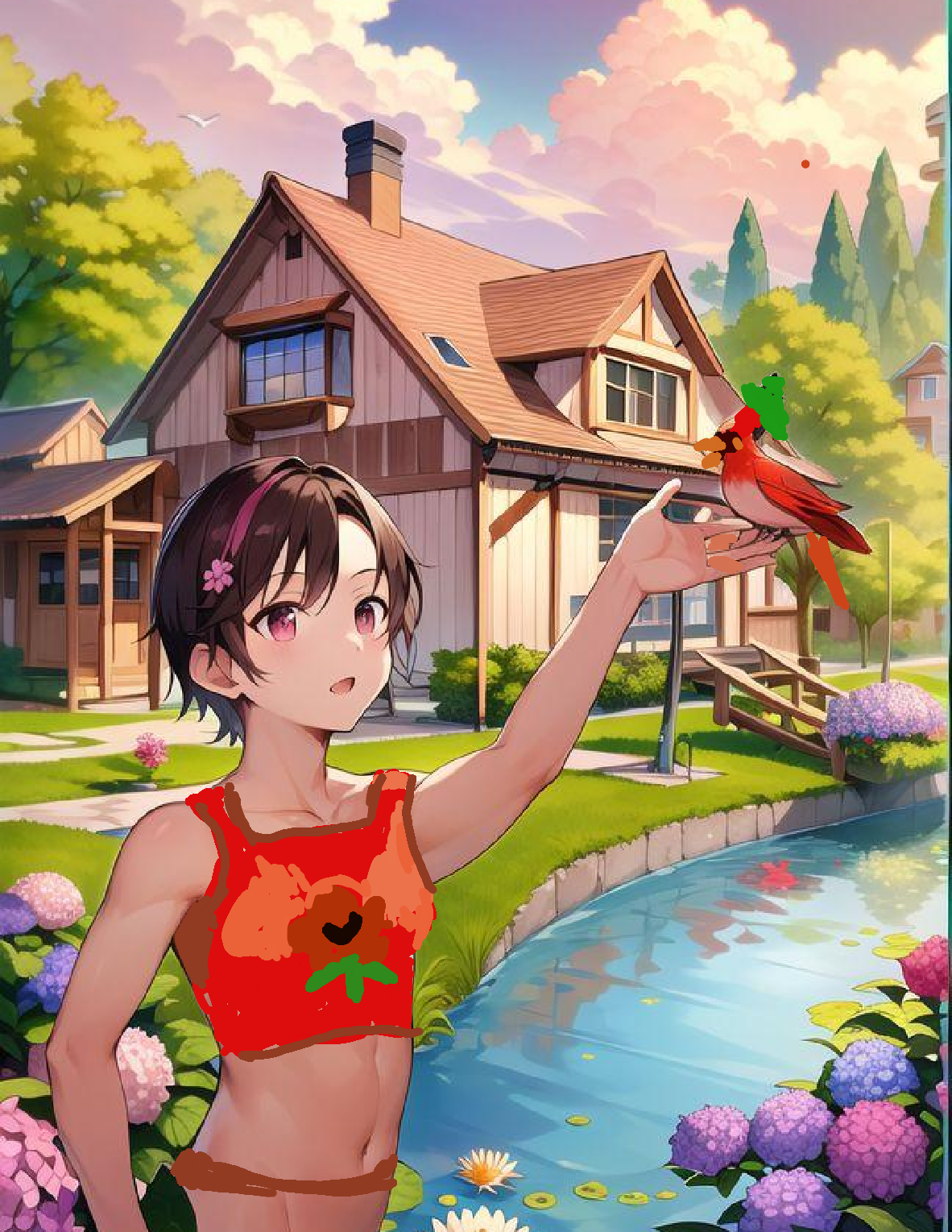
This one is again using the drawing pad and AI Mirror. I did however draw this skinny dipper myself rather than tracing him from a photo. The background was from a Tap Color Pro puzzle I finished early this morning and drew the figure and bird on top of… also removing the dock behind him. I used AI Mirror only once I had the whole rough draft finished.

I continued fussing with it until I got tired. I was going to manipulate it with Picsart too, but my eyes and fingers got tired, and I had gotten frustrated enough with small finger problems and white lines in the creek that I simply cursed the AI Mirror and ended with this one above. But I have about eight in-between saves where the bird was still a cardinal and I wasn’t satisfied with any of them. AI programs enhance what I can do in digital drawing. And making changes is so simple it spoils me. But the whole process eats up time and energy greedily. And now I am exhausted.

Leave a comment

Filed under Uncategorized