
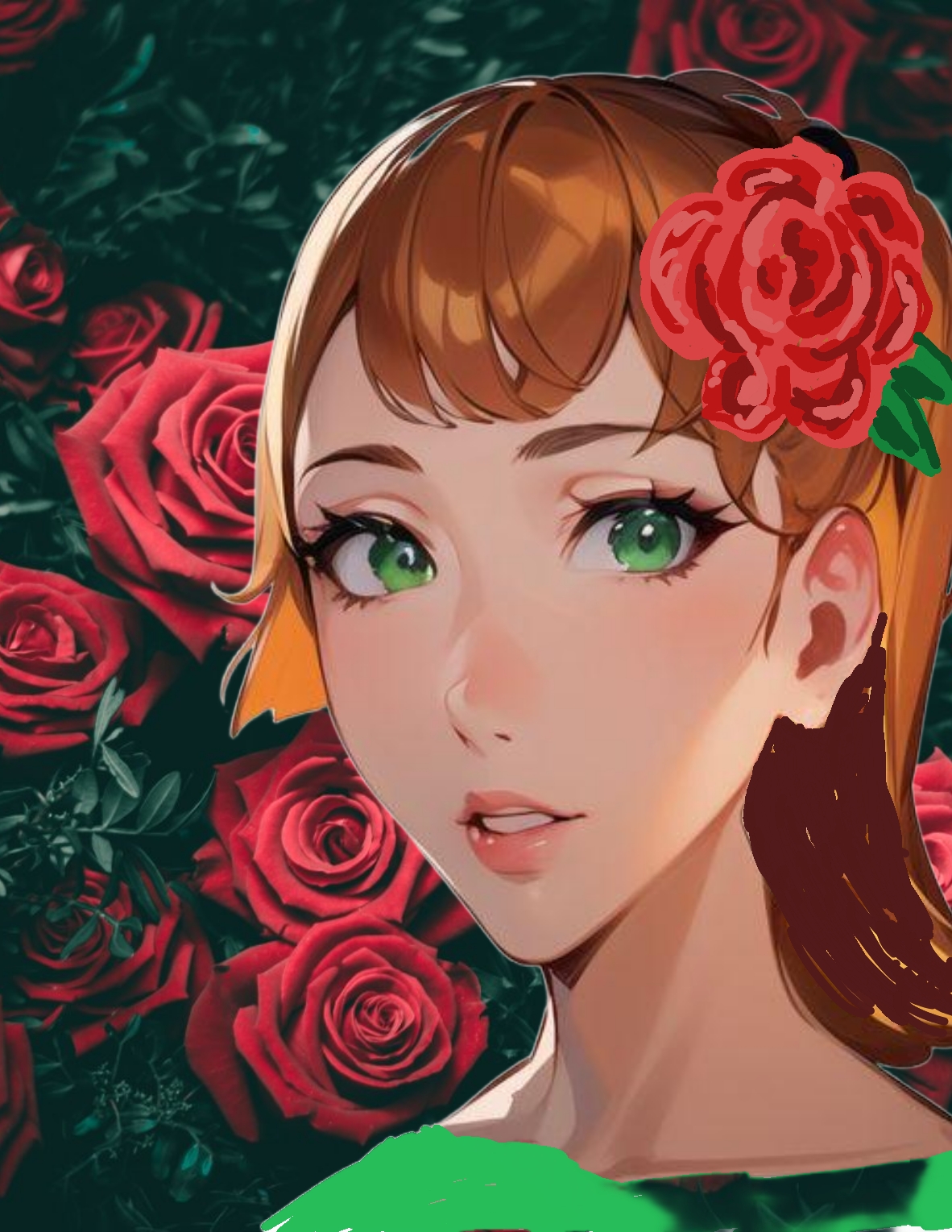
I find this to be a beautiful picture worth the time spent creating it. It is a digital doodle. That means I started with a simple doodle out of my head.
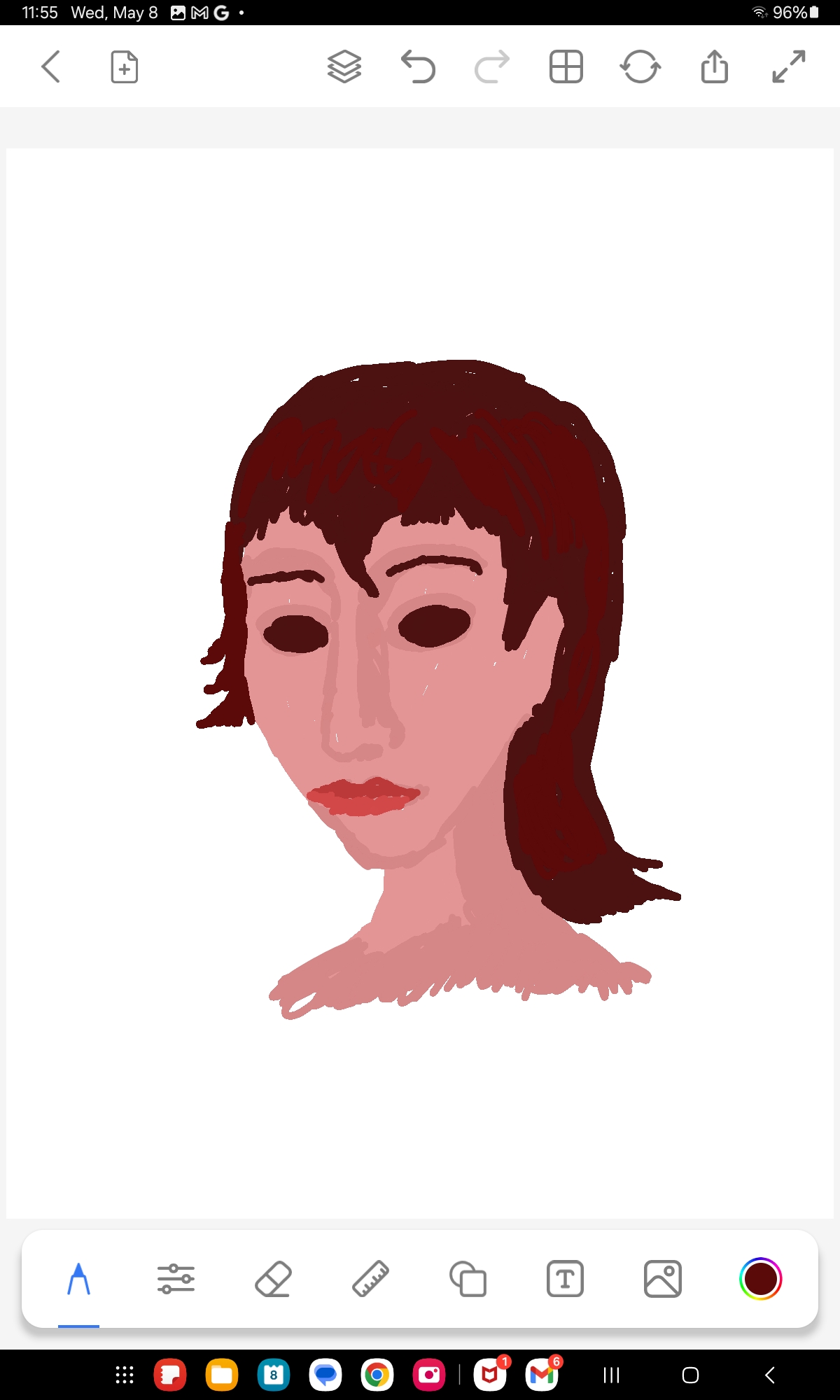
This is the original start, laid down on my computer tablet with a stylus and a digital art program called Drawing Pad Sketch Desk. It is a simpler drawing program than most digital artists use. My daughter recommends Krita. That is far more complex and sophisticated than I was ready to start with.
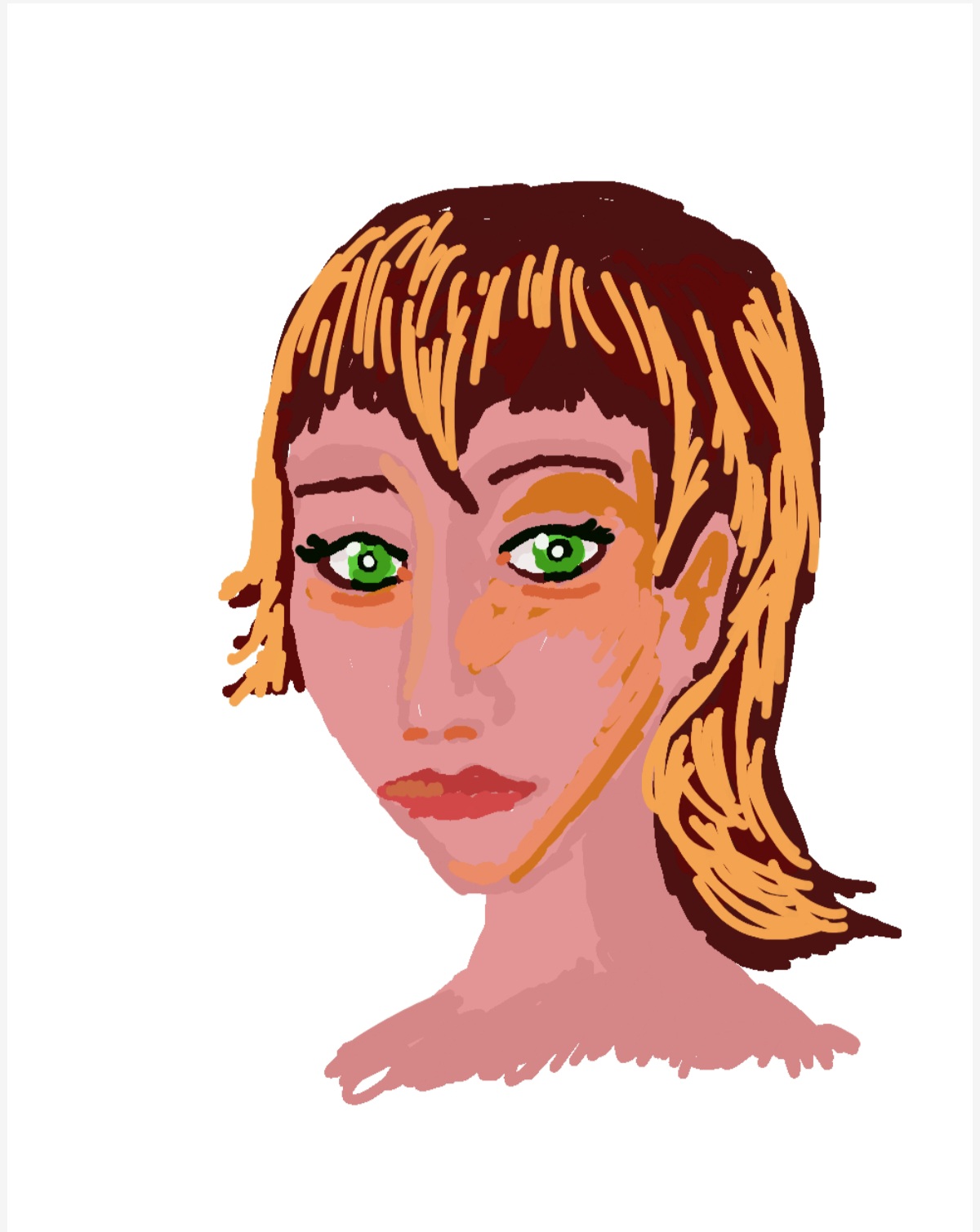
This is the rather ugly doodle scratched out with layout colors and basic shapes. Had this been colored pencil on paper, I would have wadded it up, shot it into a wastebasket, hopefully for three points, and started again. But the digital pad allows infinite and complete changes.
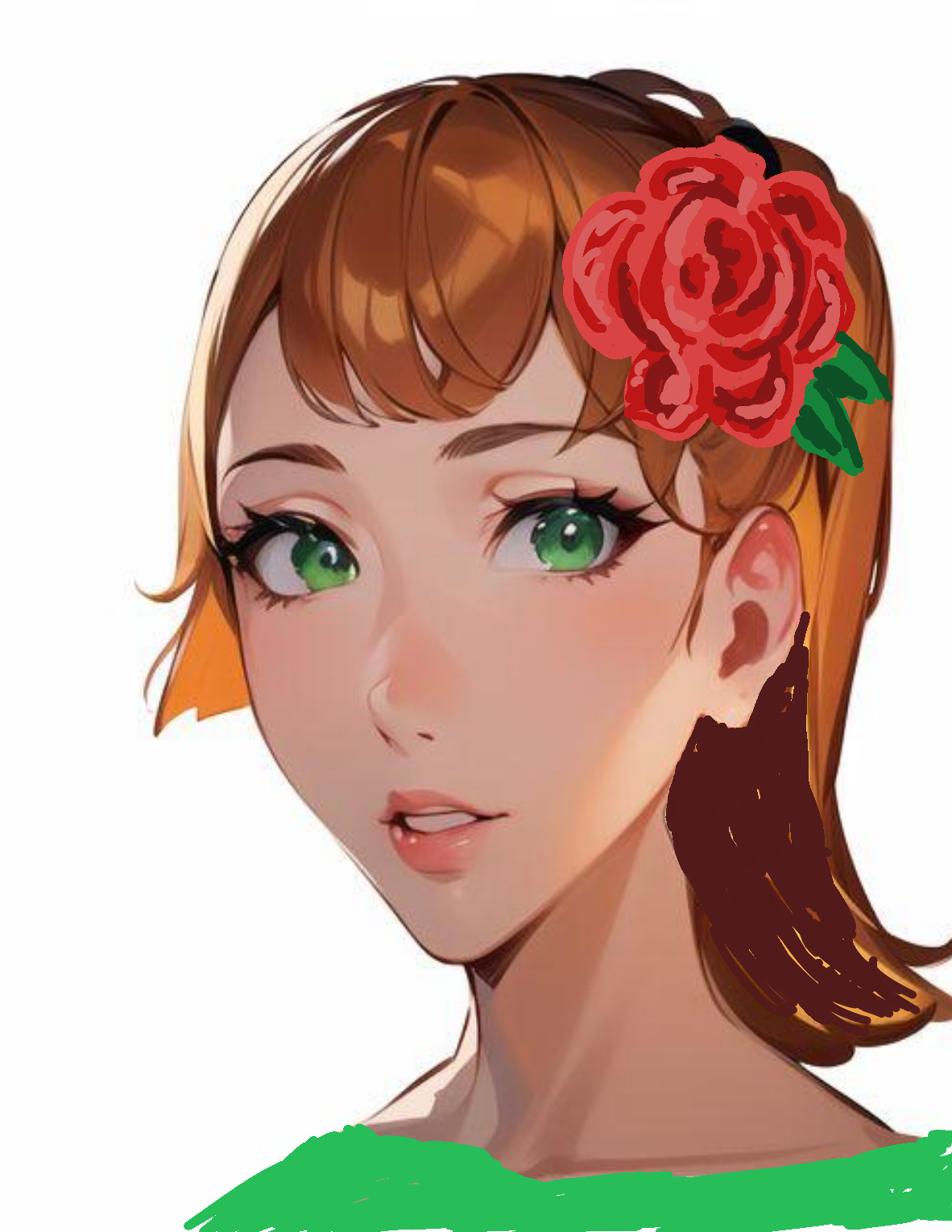
After fixing and fixing and fixing… and adding a rose in the hair… and something green to match the eyes, I came up with something I wanted to create a finished project out of. I did not take a screenshot of every little change, so you must imagine how I got here from Miss Ugly Puss.
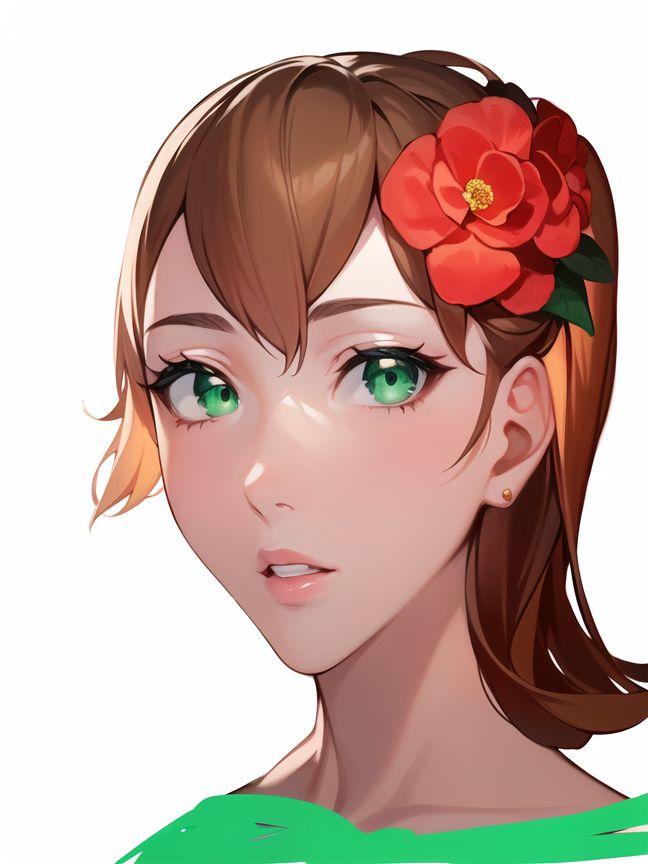
Because of arthritis in my hands and creeping color blindness in my eyes, I use AI Mirror to reprocess my drawing and offer clean-up solutions. I don’t really like the rose that the program made out of my original drawing, so I changed it before the final. Then I used the Picsart AI Photo Editor to supply a background of roses. Thus, I reached the picture you see in the first Paffooney I posted here.
 Catch a Falling Star